
Finance & Billing

Use all your data to automatically generate your ledger.
The ERP & CRM Business Management Solution Suite has a dedicated and independent feature to setup your accountancy and dispatch all the data already recorded (products, sales, purchases, expense reports, salaries, ...) into your ledger tables. This means that your accountancy can be done in just a few clicks, with little to no knowledge of accounting and bookkeeping.
Use a predefined chart of accounts or setup your
own chart of accounts.
When you create a new customer, vendor, predefined product,
bank account, vat rate, or type of expense report,
you can set up the accounting number during the creation.
Instead, if the users have no accounting knowledge, a bookkeeper
can set them up in one step using dedicated setup pages.
You can also mix and match these two methods.
At the frequency of your choice, analyze all accounting
records (sales, purchases, bank transactions, expense reports)
and use the wizard to track input errors. Fix records manually
if particular changes are required.
Add validated records into your Ledger.
Use predefined reports to analyze your accounting records.
Track input errors, at the frequency of your choice, analyze
all accounting records (sales, purchases, bank transactions,
expense reports) and use the wizard to fix manually when
particular changes are required.
Review and add validated records into your ledger.
Once your ledger is complete, you can export the full set of records or just a filtered date range of records in a pre-defined accounting software format such as CSV, EBP, CogiLog, CEGID, SAGE etc.
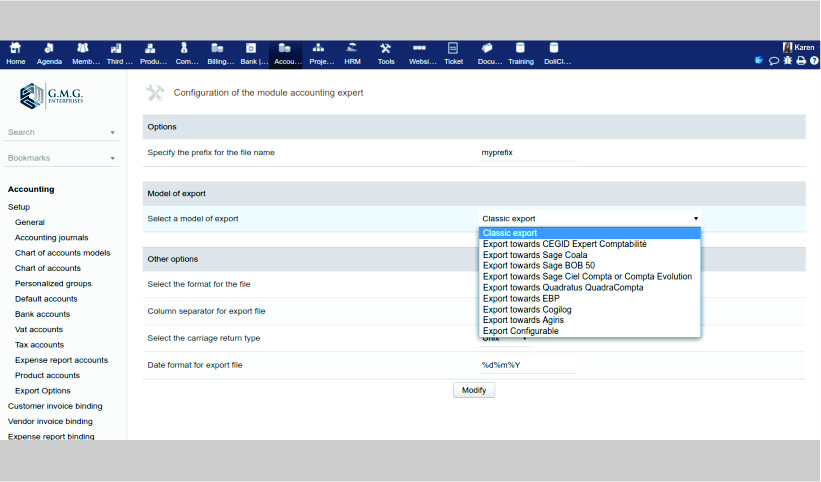

Finance & Billing: Billing & Payments, Banking & Reconciliation, Double Entry Accounting.

Manage the invoices and payments of your customers and suppliers.
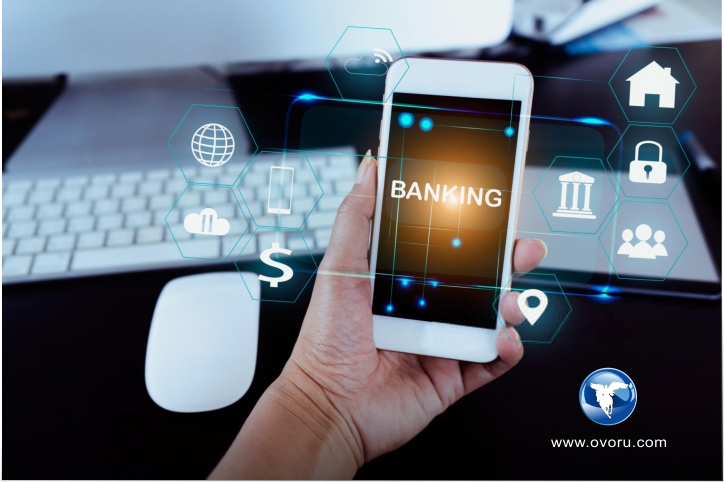
Perform reconciliation to detect any missing or typing errors in payment records





We use cookies on this site to enhance your user experience.
You can learn more about our use of cookies and your choices
here.
By clicking on any link on this page or clicking
"OK, I agree, you are giving your consent for us to
set cookies."